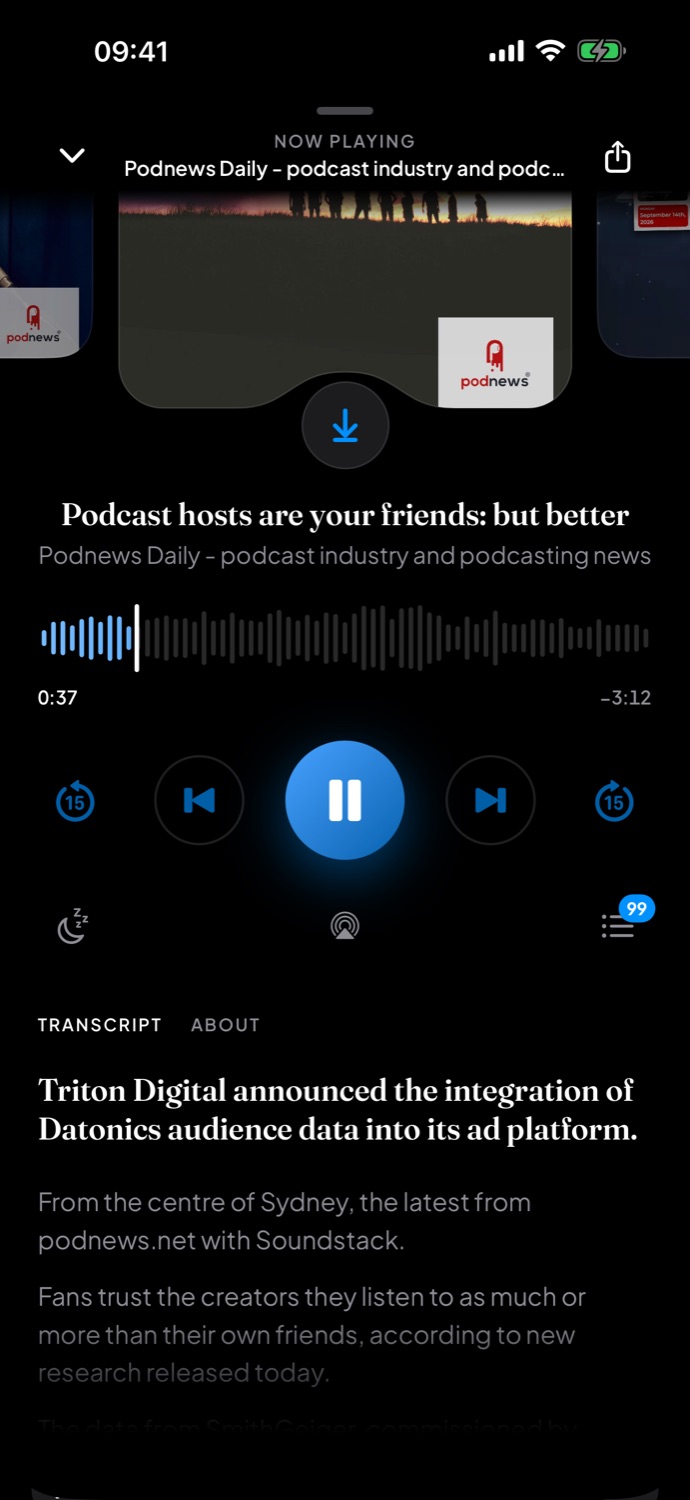
Transcripts follow the episode line by line, so you can read along, catch the name you missed, or go back to the moment that made you stop.
From the show itself, or made privately on your device
Tap any line to jump straight to that moment
Quote it
Share the line that stayed with you.
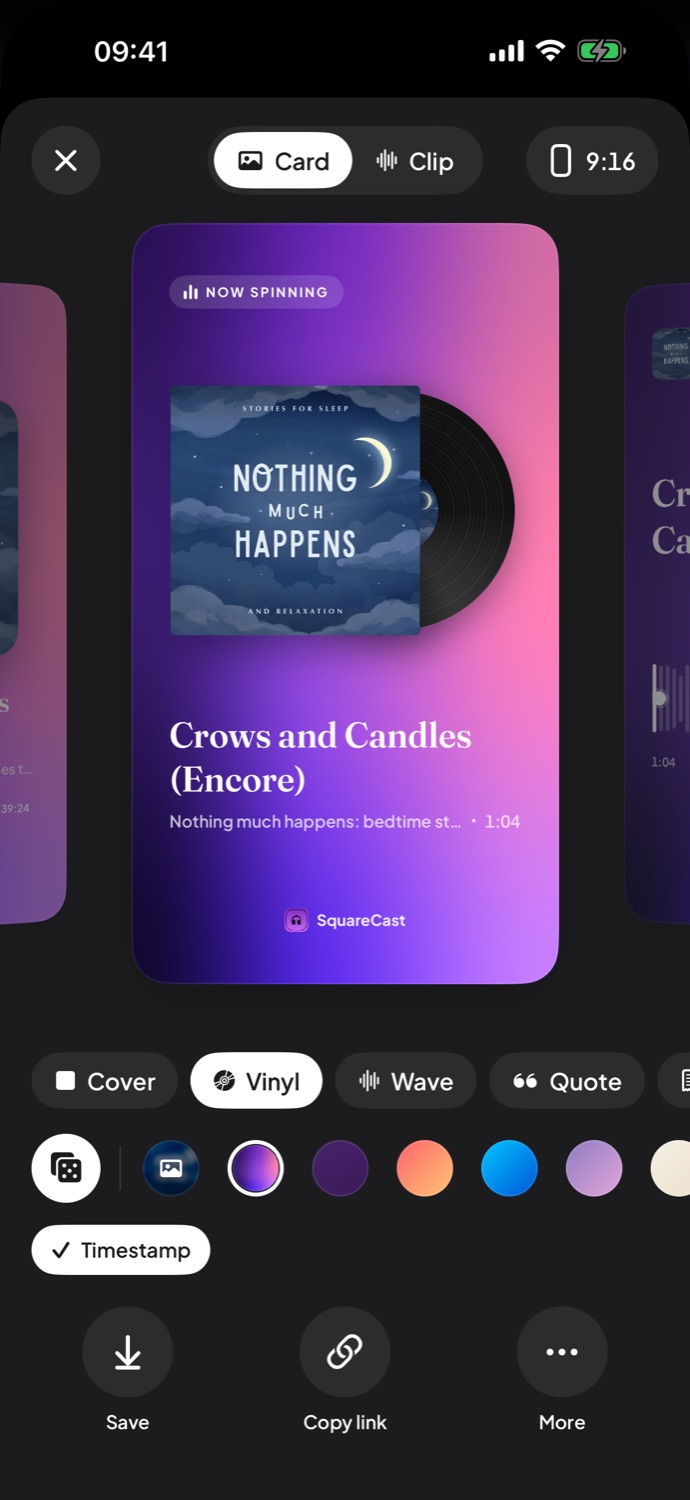
Pick a line and turn it into a card, or into a short clip with the audio behind it. Choose a style that suits the show, then post it wherever your friends are.
Cover, vinyl, wave and quote styles
Sized for posts and Stories
Straight to Instagram Stories and other apps
News
The day's news, without the noise.
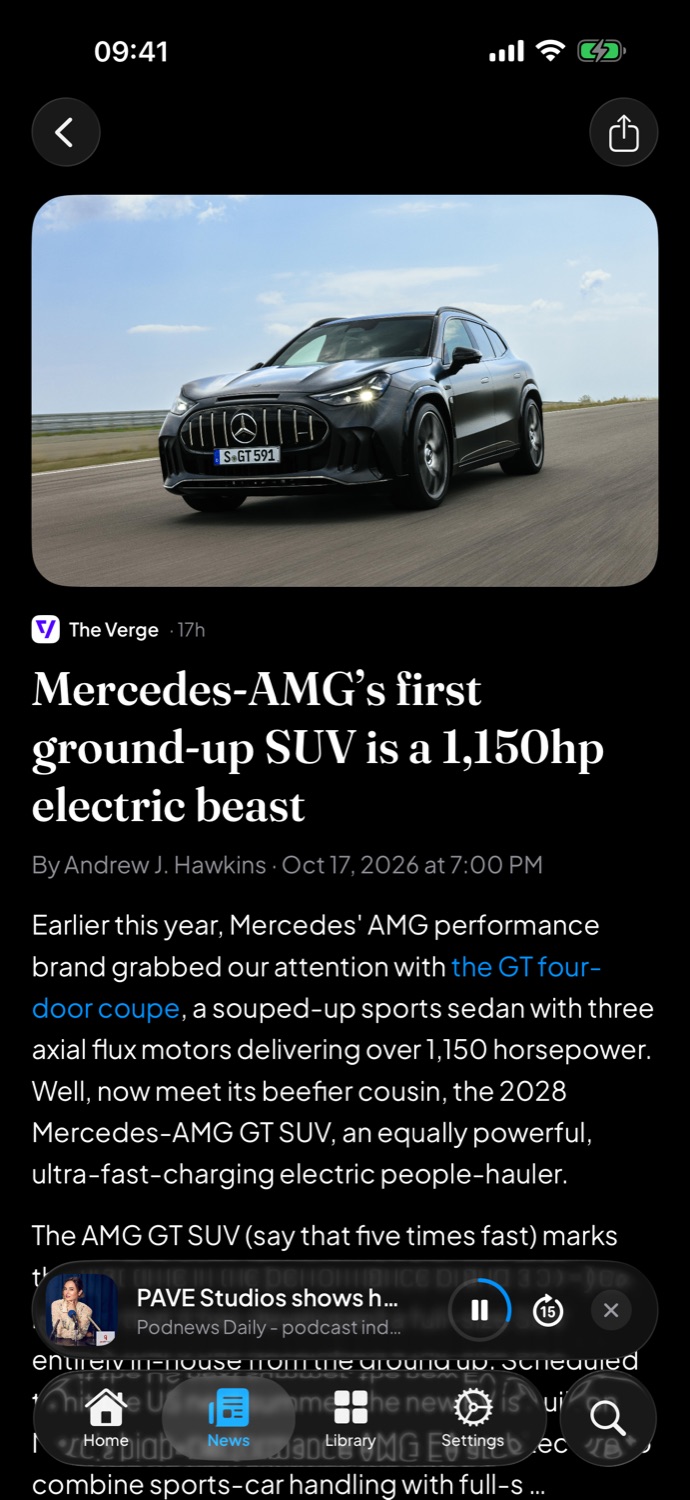
Pick your sources and topics, in your language. Every story opens in a clean reader with nothing in the way, right next to your shows.
The sources and topics you choose
A distraction-free reader for every story
Add your own RSS feeds, even private ones
Listen your way
Your shows, played your way.
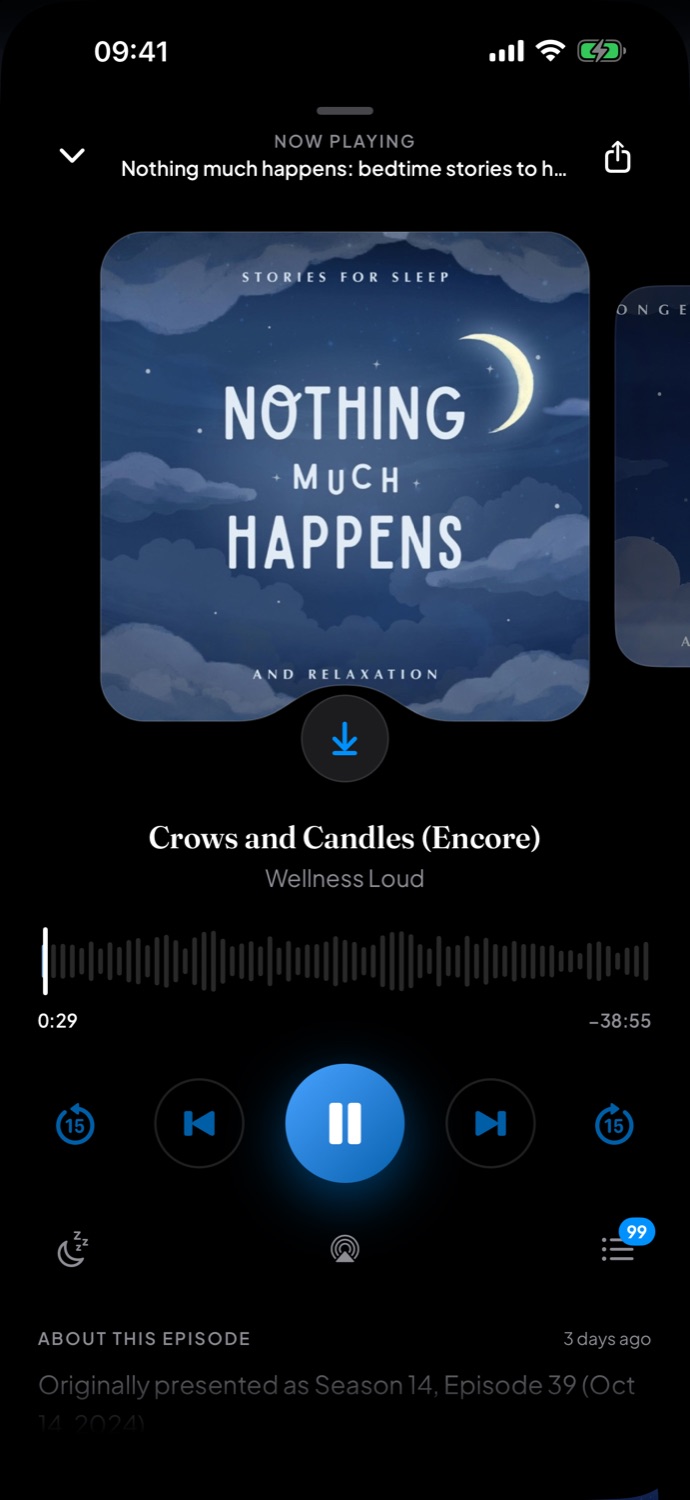
Stream instantly or download for the commute. Set the speed, a sleep timer for late nights, and an Up Next queue you're in charge of.
Downloads for offline listening
Playback speed, sleep timer and Up Next
Video podcasts with Picture in Picture
Discover
Find your next favorite.
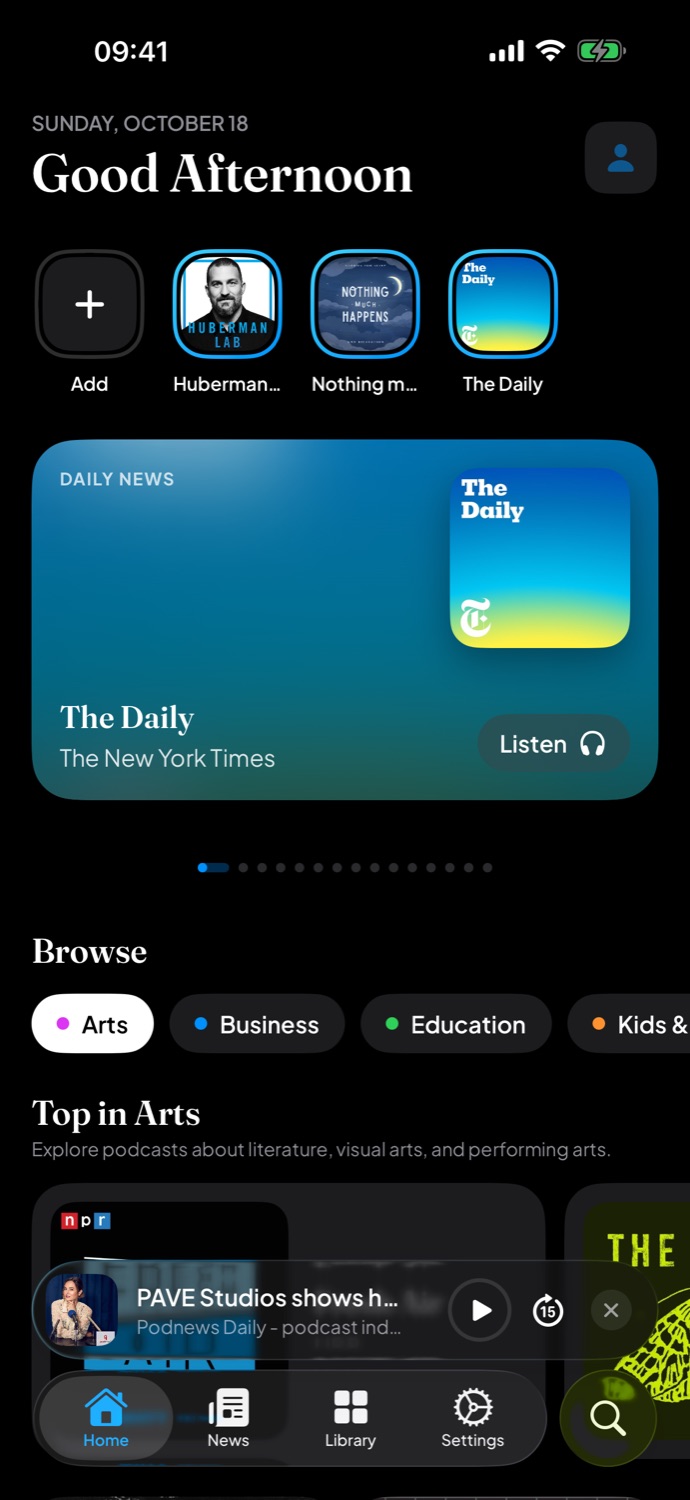
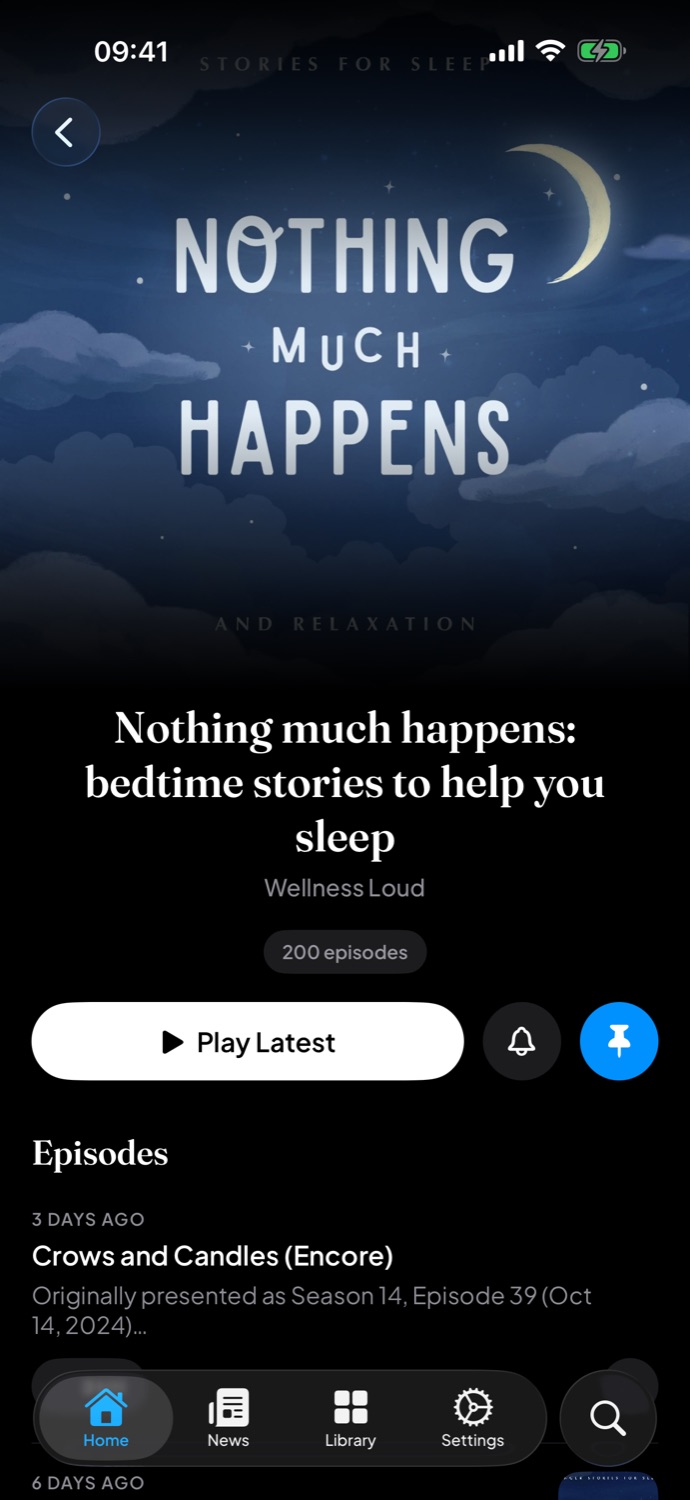
Browse millions of podcasts by category, see what's trending in your country, and follow a show to hear when a new episode lands.
Top charts for every category
Trending shows where you live
Alerts when the shows you follow post new episodes
And the rest
Everything in its place.
The small things that make it feel like yours from the first day.
Move in, in seconds
Bring your shows over from another podcast app with an OPML file or a shared link.
On every device
Sign in with Apple or Google to keep your library, playlists, history and settings in sync.
Private feeds
Add password-protected RSS feeds for podcasts and news. Your sign-in stays in your keychain.
Downloads, kept safe
Listen offline anywhere, and if you like, save your downloads to iCloud Drive.
Playlists
Line up episodes from different shows and play them in the order you want.
English and العربية
The whole app speaks English and Arabic, right to left included.
 SquareCast